The Problem

ClickFix is a social engineering attack that turns the victim into the attacker's own delivery mechanism. Instead of exploiting a software vulnerability, ClickFix tricks you into running the malware yourself — bypassing antivirus, EDR platforms, email filters, and every technical control in your environment.

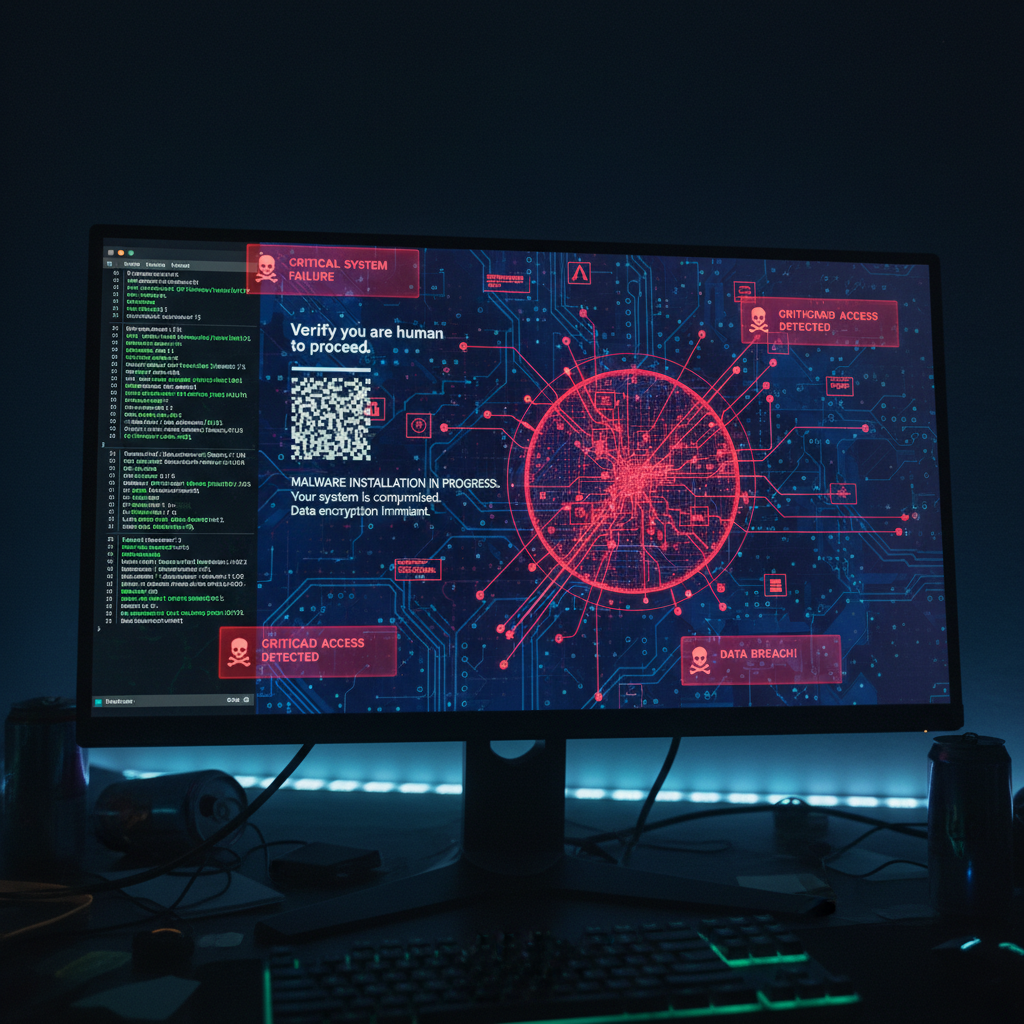
The attack typically starts with a fake website or a compromised legitimate site. A modal overlay appears claiming you need to "verify you're human" before viewing the content. The CAPTCHA prompt instructs you to press Windows+R, then paste a command into the Run dialog.

That command is a PowerShell one-liner that silently downloads and executes a malware payload — often a stealer, ransomware dropper, or remote access trojan. Because you ran it yourself, most security tools don't flag it.

Real-World Examples

// EXAMPLE: Fake Google Meet Invite
Victims receive a calendar invite or email to a "Google Meet" session. The link goes to a convincing but fake meeting page that displays a CAPTCHA overlay: "Complete verification to join the call." The PowerShell payload installed in documented cases was Lumma Stealer — which harvests browser passwords, crypto wallets, and session tokens.
// EXAMPLE: Compromised WordPress Sites
Security researchers identified over 9,000 WordPress sites in 2024–2025 that were injected with ClickFix overlays. A visitor to an otherwise-legitimate blog would see the CAPTCHA prompt layered over the page content. Malware distributed through this vector included DarkGate and NetSupport RAT.
// EXAMPLE: GitHub Repository Lures
Fake open-source projects and "cracked software" repositories on GitHub have been found using ClickFix. The README instructs users to run a PowerShell "install script" — which is actually the malware loader. Developer communities were specifically targeted.

How to Stay Safe

No legitimate CAPTCHA will ever ask you to press keyboard shortcuts or paste commands. This is a 100% reliable red flag. If you see this, close the tab immediately.
Disable the Windows Run dialog (Win+R) via Group Policy in corporate environments. For home users, enabling Windows Defender's Attack Surface Reduction rules can block malicious PowerShell execution.
If you ran one of these commands, assume your machine is compromised. Disconnect from the network immediately, change all passwords from a clean device, and contact a security professional. Do not attempt to clean the machine yourself — stealers exfiltrate data within seconds of execution.